
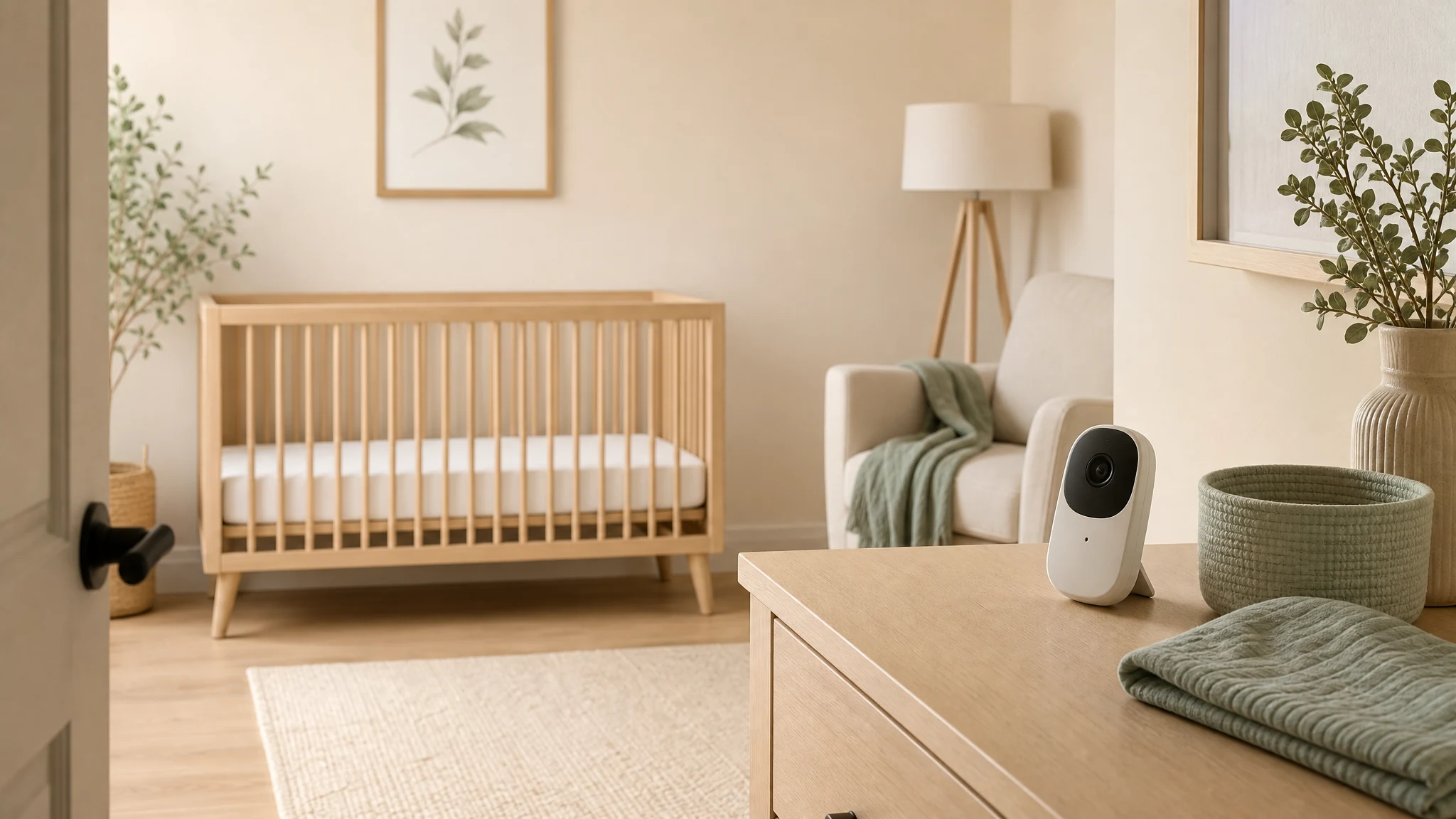
A baby monitor can be genuinely useful. It can help a parent or caregiver hear what is happening in another room, check whether a child has settled, and avoid unnecessary trips into the nursery.
The practical question is not whether every family should stop using a monitor. The better question is this: can the monitoring setup do its job without adding more wireless exposure than necessary?
Often, the answer is yes.
This is not a medical recommendation, and it is not a diagnosis or treatment plan. EMF Guru looks at the environment: what is transmitting, where it is located, how often it is active, and what can be changed without making daily life harder. For nursery monitoring, the first steps are usually simple: increase distance, reduce continuous transmission when possible, avoid placing electronics in or right next to the sleep space, and measure if you want to verify the result.
Start with the job the monitor needs to do.
Before comparing products, decide what the monitor actually needs to accomplish.
Some households only need audio. Some need a camera because of room layout, caregiver needs, or peace of mind. Some need remote access from outside the home. Others only need short-range monitoring between rooms.
Those choices matter because different monitor types can create different exposure patterns:
- Audio-only monitors may use less data than video systems, but they can still transmit wirelessly.
- Video monitors usually require more continuous data transfer, especially if the screen or app stays active.
- Wi-Fi monitors connect to the home network and may also communicate through cloud services.
- Dedicated wireless monitors use their own radio link between the camera unit and parent unit.
- Wired cameras or wired network options can reduce or remove the need for a wireless transmitter in the nursery, depending on the product and setup.
The goal is not to pick the most complicated solution. The goal is to choose the simplest monitoring method that meets the real need.
Distance is the first reduction tool.
With wireless devices, distance is usually the first thing to check.
The FDA’s consumer guidance for cell phones notes a basic exposure principle: the closer a wireless device is to you, the more RF energy you can absorb. That guidance is about cell phones, not baby monitors, but the practical distance principle is still useful for thinking about room layout.
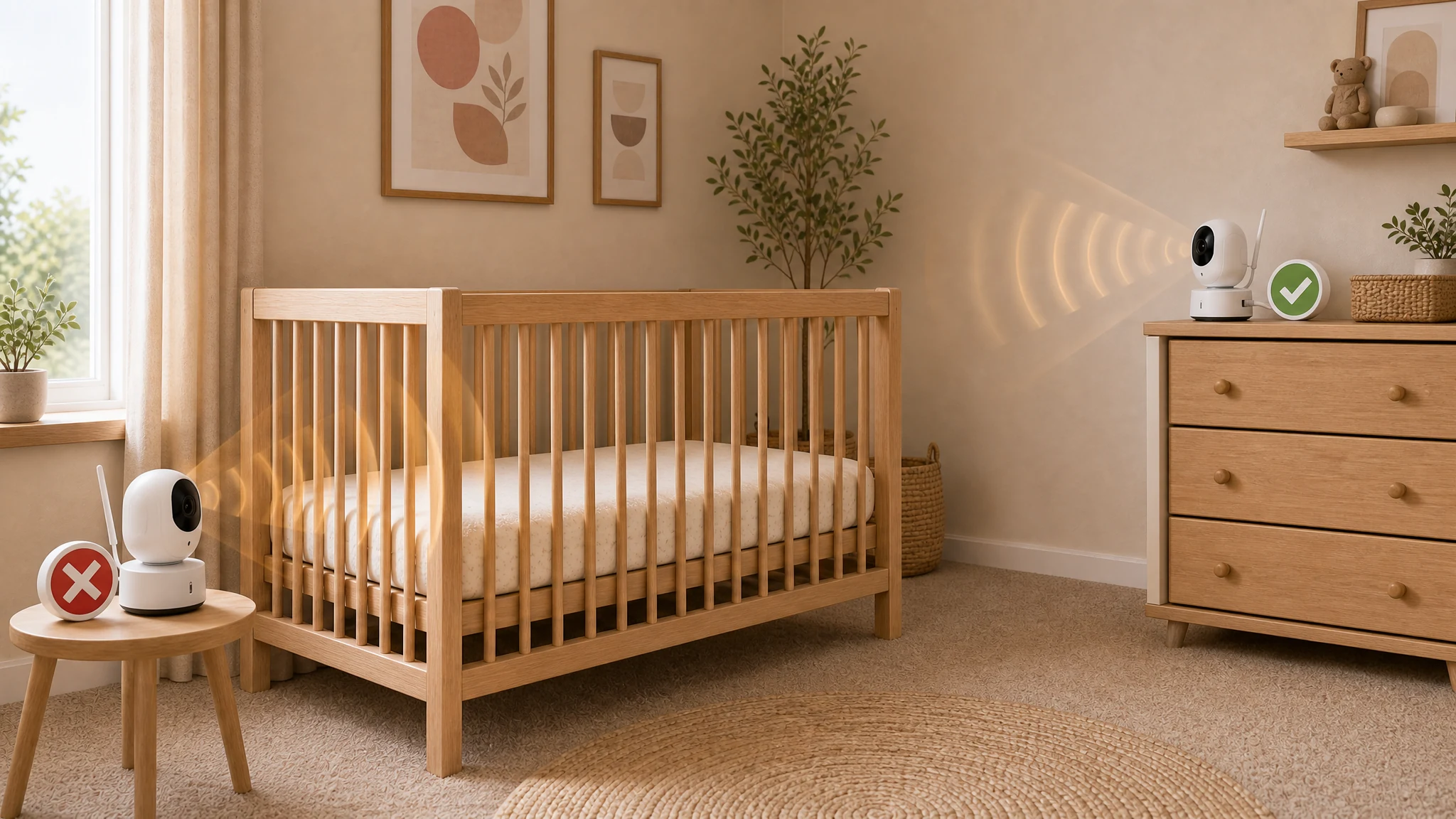
For a nursery, that means the monitor does not belong in the crib, attached to the crib rail, tucked beside the mattress, or placed inches from where a child sleeps.
A better starting point is:
- Place the monitor across the room if it still works for sound or video.
- Keep electronics and power cords completely outside the crib or sleep area.
- Avoid placing the transmitter directly behind the head area of the crib.
- Use a shelf, dresser, or wall location that gives a clear view without putting the unit close to the child.
- Re-check the camera angle after moving the monitor so the setup still serves its purpose.
Small moves can matter. Moving a transmitting device from inches away to several feet away is often more meaningful than buying a specialty product and leaving it right next to the sleep space.
Check whether the monitor transmits constantly.
Not all monitors behave the same way.
Some transmit continuously. Some have voice-activated or sound-activated modes. Some video systems stream whenever the app is open. Some Wi-Fi cameras keep a constant connection even when no one is actively watching. Some parent units or base stations also transmit, not just the nursery camera.
If lower wireless exposure is the goal, look for settings such as:
- Voice activation or sound activation
- Video screen sleep mode
- Local viewing instead of cloud viewing, if available
- Lower video resolution when high resolution is not needed
- Scheduling or power-off options when the monitor is not in use
- Ethernet support for cameras or base stations
- A clear way to disable Wi-Fi or Bluetooth if those features are not needed
The important part is verification. A product box may say low emission, eco mode, or sleep mode, but those labels do not always explain what is actually happening. If a monitor matters to your nursery plan, it is worth checking how it behaves in the room.
Wired is worth considering when practical.
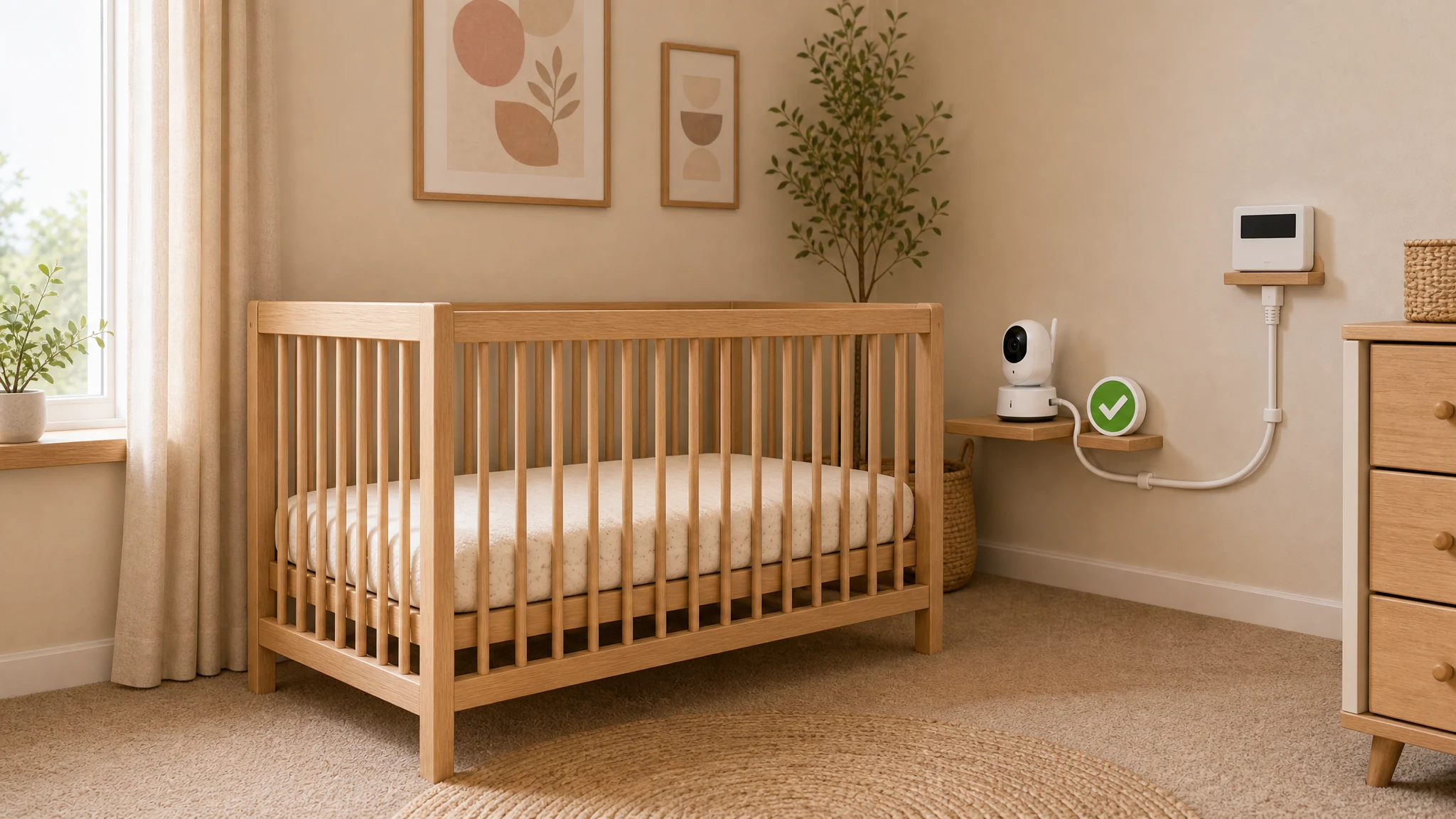
A wired setup is not always realistic in a rental, an older house, or a room where a cable would create a trip or cord hazard. But when it is practical and safely routed, wired technology can reduce the need for a wireless transmitter near a sleep area.
Options may include:
- A wired Ethernet camera placed safely out of reach
- A non-Wi-Fi camera system with a wired connection to a display
- A baby monitor used only for audio, with video handled another way when needed
- A monitor powered off during times when a caregiver is already nearby
- A wired network connection for the home instead of adding another Wi-Fi extender near the nursery
Wired does not automatically mean zero EMF. Power supplies, cords, cameras, and screens can still create electric or magnetic fields. But from a practical RF perspective, wired options often give you more control than adding another always-on wireless device.
If you use a wired product in or near a child room, physical safety comes first. Cords should be routed securely and kept fully out of reach. Do not create a strangulation, pulling, or trip hazard in order to reduce wireless exposure.
Avoid adding more wireless gear to fix a monitor problem.
Sometimes a baby monitor works poorly because the Wi-Fi signal is weak in that room. The common fix is to add a mesh node, extender, or stronger router closer to the nursery.
That may improve the video feed, but it can also add another wireless transmitter near the exact area you were trying to keep simple.
The concern is common enough that some governments wrote it into their rules. France prohibits installing fixed wireless access points in the spaces used by children under three in nurseries and similar childcare establishments. Our Field Note on how France, Cyprus and Belgium limit children’s wireless exposure sets out what each one actually put in place.
Before adding a mesh node near the nursery, try the lower-complexity steps first:
- Move the existing router or monitor slightly and test again.
- Reduce video resolution if the monitor allows it.
- Use wired Ethernet for the camera or mesh backhaul if available.
- Place any needed network equipment away from the crib and away from long-use sleep areas.
- Measure the room before and after the change.
The best solution is not always the strongest signal. It is the setup that provides enough function with the least unnecessary transmission in the places where people spend the most time.
What to measure in a nursery.
If you want to get past guessing, measurement helps.
For baby monitor questions, EMF Guru would typically think about several categories, not just one:
- Radio frequency fields: Wi-Fi, Bluetooth, dedicated wireless monitors, phones, tablets, routers, mesh nodes, and nearby transmitters.
- AC electric fields: Plugged-in devices, lamps, cords, and wiring near the sleep area.
- AC magnetic fields: Current flow from wiring, panels, appliances, motors, or power supplies.
- Dirty electricity: Higher-frequency noise riding on household wiring, depending on the home and devices.
A basic consumer RF meter may show whether a wireless device is active, but it can also miss details. Professional measurement can separate sources, compare before and after changes, and avoid chasing the wrong problem.
The most useful measurement questions are practical:
- What changes when the monitor is on, off, and in sleep mode?
- Does the nursery camera transmit constantly?
- Does the parent unit transmit too?
- Is the crib location near a strong electric or magnetic field source unrelated to the monitor?
- Does moving the device across the room materially change the reading?
- Did adding a mesh node or extender raise the room’s RF background?
Measurement keeps the conversation grounded. It also helps prevent unnecessary product purchases.
A simple lower-exposure setup sequence.
If you are setting up a nursery monitor from scratch, use this order:
1. Choose the simplest monitor that meets the need.
If audio is enough, start there. If video is necessary, decide whether local viewing is enough or whether remote phone access is truly needed.
2. Place the monitor away from the sleep space.
Use distance first. Keep the unit, power supply, and cords away from the crib and out of reach.
3. Turn off features you do not use.
Disable Wi-Fi, Bluetooth, night lights, app streaming, or continuous video features when the product allows it and when those features are not needed.
4. Use sleep or voice activation modes carefully.
These settings may reduce transmission on some products, but do not assume. Check the manual, test the behavior, and measure if the result matters.
5. Avoid placing network equipment near the nursery.
Routers, mesh nodes, extenders, and smart speakers do not belong next to the crib just because they improve convenience.
6. Re-measure after changes.
A change is only useful if it improves the actual room conditions while preserving the function you need.
What not to do.
A calm approach also means avoiding overreactions.
Do not buy a shielding canopy, sticker, pendant, or accessory because it promises to block radiation or prevent health problems. The FDA has specifically warned that many RF shielding accessory claims for phones are misleading, can fail to work as advertised, and may interfere with device operation. That source is about cell phone accessories, but the caution applies broadly: be skeptical of product claims that promise health protection without measurement.
Do not wrap a wireless monitor in shielding material unless you understand what it does to the signal and heat. Blocking a wireless device poorly can sometimes make a device work harder, reduce reliability, or create confusing measurement results.
Do not make the nursery less safe to make it lower EMF. Cord routing, stable mounting, ventilation, and reliable monitoring all matter.
And do not treat a lower-exposure setup as a medical intervention. This is environmental reduction and practical planning, not diagnosis or treatment.
When to ask for help.
A professional EMF consultation can help when:
- The monitor must stay on for caregiving reasons, but you want to optimize placement.
- A child room is close to a router, smart meter, electrical panel, or utility service area.
- You are not sure whether the strongest source is the monitor, Wi-Fi, wiring, or something outside the room.
- You tried several changes and the readings still do not make sense.
- You want a room-by-room plan instead of buying products first.
The value of measurement is that it turns a vague concern into a practical map. Once the real sources are identified, the next steps are usually more ordinary than people expect: move a device, change a setting, use a wire, increase distance, or stop leaving something on when it is not needed.
Bottom line.
Baby monitoring does not have to be all or nothing.
If a monitor helps your household, use it thoughtfully. Keep it out of the sleep space, increase distance, avoid unnecessary continuous transmission, consider wired options when they are practical and safe, and measure if you want to verify the result.
The precautionary principle does not require fear. It simply asks whether a reasonable, low-cost change can reduce unnecessary exposure without creating a new problem. In a nursery, that is often the right standard.