
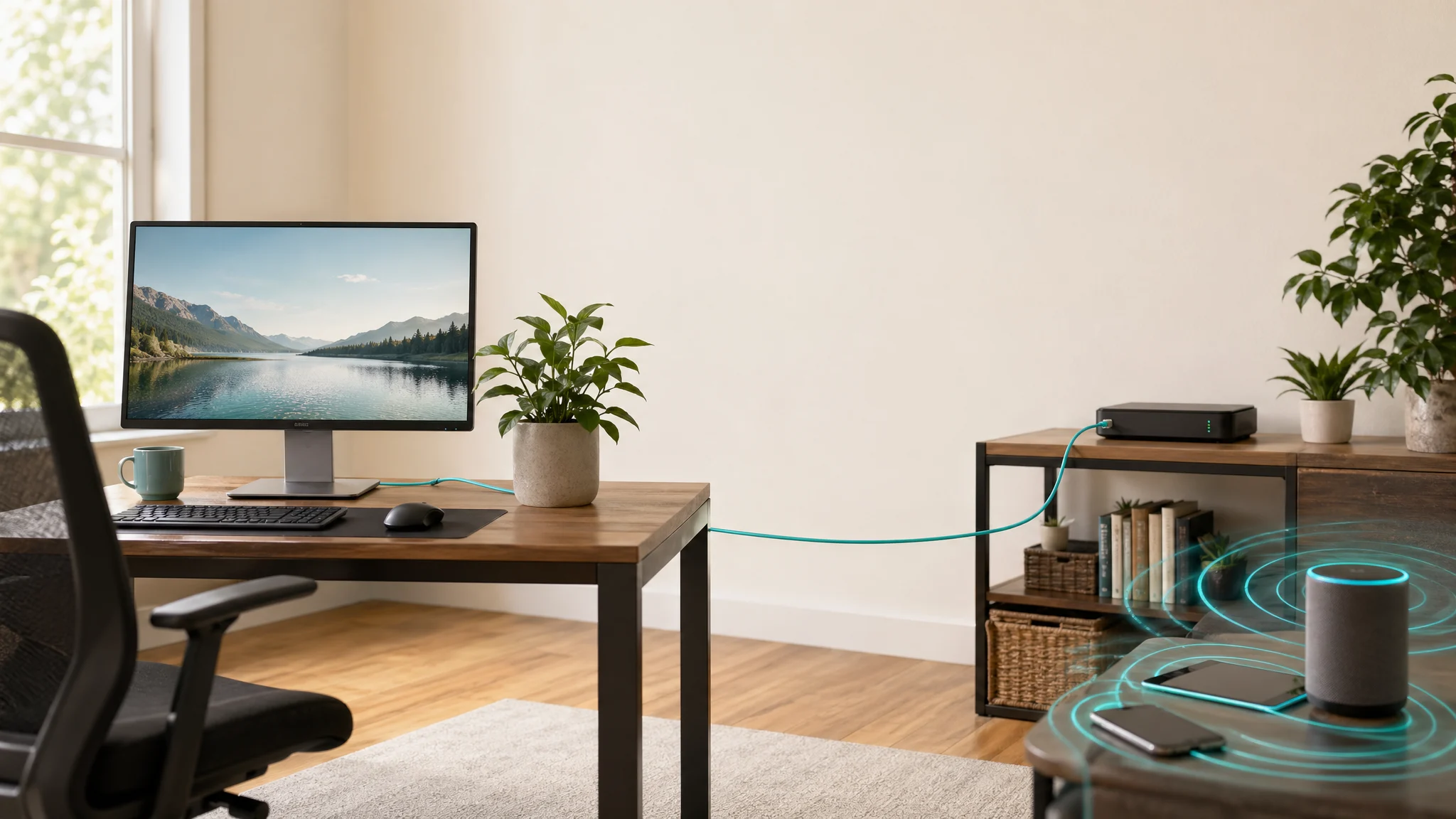
Wireless technology is useful because it lets devices move. Phones, tablets, and guest devices need that flexibility. But not everything in a home needs to be wireless. For devices that stay in one place, a wire is often simpler, steadier, and easier to control.
Wired technology is not a rejection of modern life. It is a way to use the right connection for the right job. A wired desktop, media center, printer, or workstation can reduce wireless activity while often improving speed and reliability.
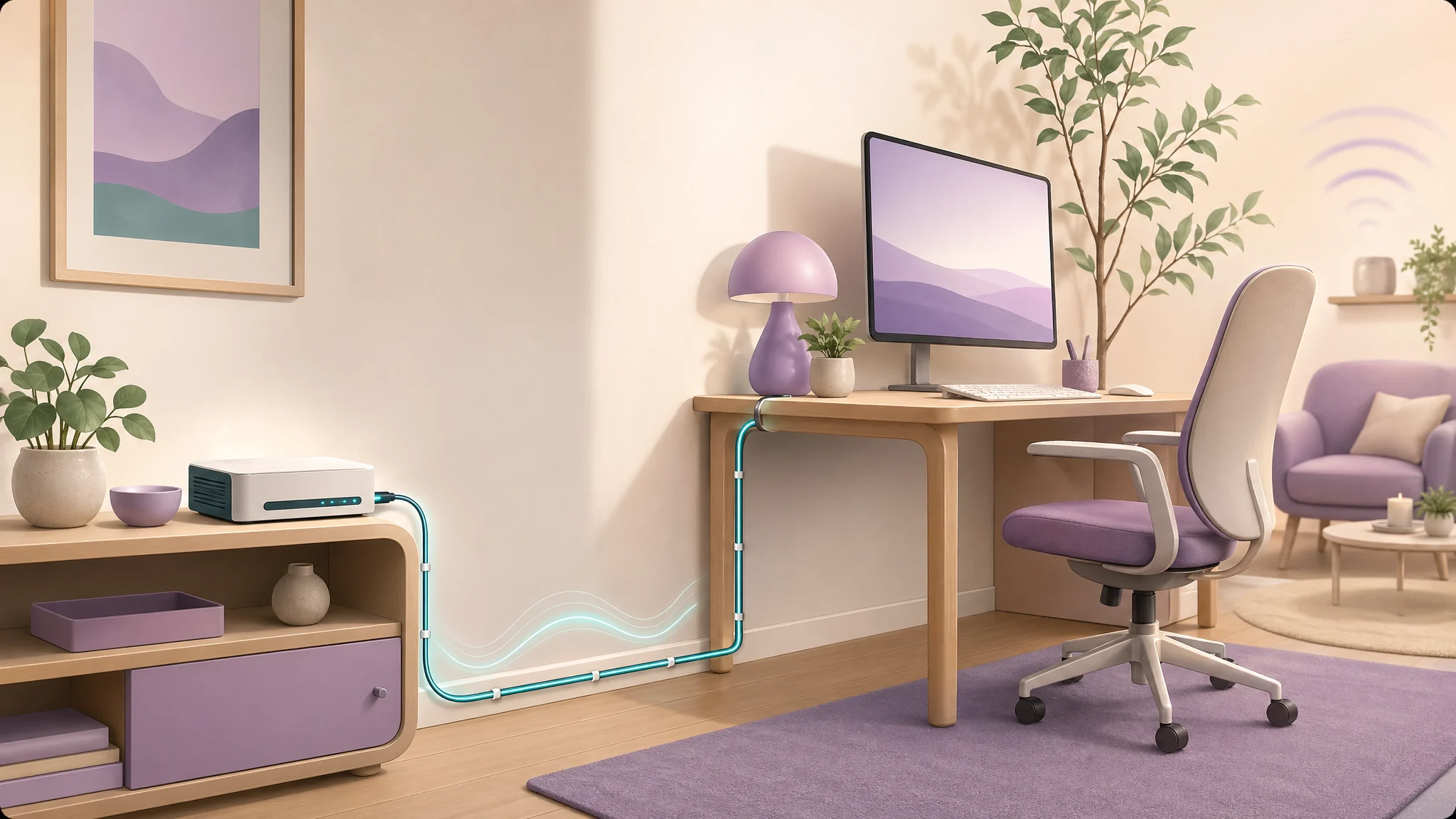
Wireless usually starts at the end of a wire.
Most wireless networks still depend on wired infrastructure. Internet service enters through cable, fiber, or another fixed connection. A modem or gateway connects that service to the home network. Wi-Fi is the wireless layer added for convenience.
That means you can often keep the benefits of internet access while reducing unnecessary wireless use. The question is not “wired or wireless for everything?” The better question is “Which devices actually need to move?”
Stationary devices are strong wired candidates.
Desktop computers, TVs, game consoles, streaming boxes, printers, network storage, smart hubs, and office docks often sit in one place for years. These devices are good candidates for Ethernet because they do not benefit much from wireless mobility.
Wired connections can also reduce troubleshooting. Video calls, large uploads, streaming, backups, and online games often perform better over Ethernet. That can allow Wi-Fi to serve the devices that genuinely need it, rather than carrying every fixed device in the home.
Wired choices can reduce unnecessary RF exposure.
When a fixed device uses Ethernet, it may no longer need to keep a Wi-Fi radio active. A wired workstation can reduce RF activity near someone who sits there all day. A wired media center can reduce wireless traffic near a favorite chair. A wired backhaul for mesh equipment may allow fewer or better-placed wireless nodes.
This does not mean every wireless signal disappears. Phones, tablets, guests, and some smart devices may still use Wi-Fi. But selective wiring can reduce close-range, long-duration wireless activity where it matters most.
A realistic wired-home checklist.
- Use Ethernet for a desktop computer or primary work laptop dock.
- Wire TVs, streaming boxes, and game consoles when they sit near seating areas.
- Connect printers and network storage by Ethernet if the router or switch is nearby.
- Consider wired backhaul for mesh nodes instead of wireless backhaul when possible.
- Disable Wi-Fi or Bluetooth on fixed devices after confirming the wired connection works.
- Keep Wi-Fi available where mobility, guests, or accessibility needs require it.
Tradeoffs to consider.
Wiring takes planning. Some homes already have Ethernet jacks. Others may need surface-mounted cable, a small switch, a MoCA adapter, or professional low-voltage wiring. Renters may have fewer options than homeowners. A clean, practical installation matters because a messy cable plan will not last.
There are also cases where wireless is the right answer. Phones and tablets move. Some assistive, security, or smart-home devices may rely on wireless connectivity. The goal is not to eliminate convenience; it is to avoid using wireless by default when a better wired option is available.
When to measure instead of guess.
Measurement can help decide where wiring will have the most value. A home office with multiple wireless devices near the body may be a higher priority than a rarely used guest room. A router near a bed may deserve attention before a TV across the house. Testing can show whether wiring a device changed the relevant reading in the place people actually use.
For router-specific placement guidance, read Wi-Fi Router Placement. For a broader reduction plan, see How to Reduce EMF Exposure Without Going Off Grid.
Simple ways to add wires without remodeling.
Many homes can add useful wired connections without opening walls. A short Ethernet run from a router to a desk, a small unmanaged switch behind a TV, adhesive cable clips, flat Ethernet under a rug edge, or a low-voltage installer for one clean drop can make a meaningful difference. In some homes, existing coax may support MoCA adapters for network backhaul.
Start with one location where reliability and reduced wireless activity both matter. If that works well, expand gradually. A partial wired plan is still useful.
Remember to disable unused radios.
Plugging in Ethernet does not always turn off Wi-Fi or Bluetooth automatically. After confirming the wired connection works, check the device settings. A wired laptop dock, printer, TV, or game console may still have wireless features enabled unless you turn them off manually.
Where wired changes usually pay off first.
The best first wired upgrade is often the device used longest and closest to the body. For many homes, that is a work computer or video-call setup. For others, it is a media center near a favorite seat or a mesh node that can use wired backhaul instead of wireless backhaul.
One good wired connection can make the rest of the network calmer. It may reduce wireless traffic, improve reliability, and make it easier to place the router or access point somewhere more sensible.
If you are unsure where to begin, choose the device that is fixed, close, and active for the longest period. That simple rule usually points to a practical wired upgrade before it points to a major remodel.
Note: EMF Guru provides education and environmental measurement services, not medical diagnosis or treatment. If you have health concerns, work with a qualified healthcare professional. Measurements can help clarify environmental sources and practical exposure-reduction options.