
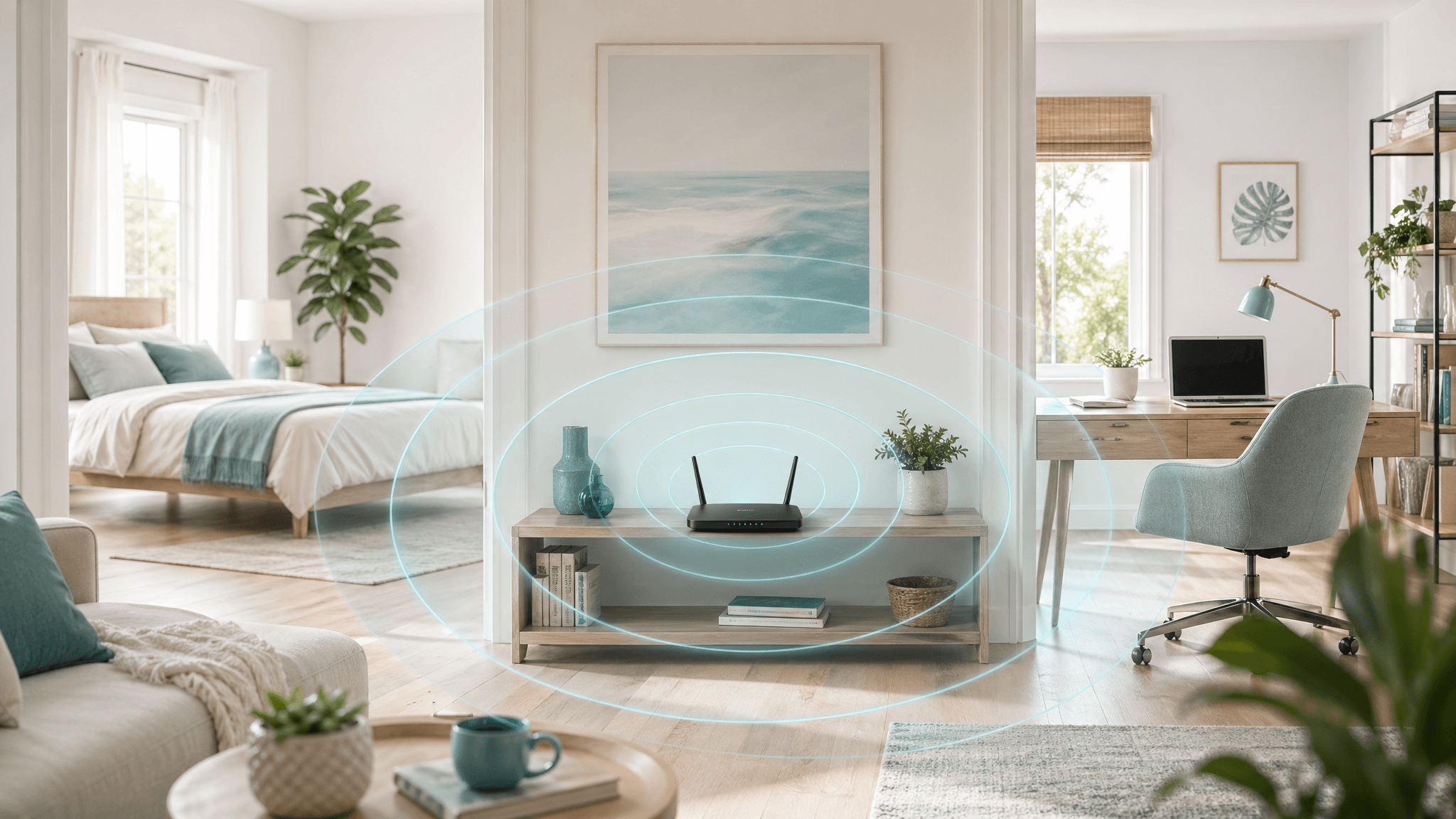
Wi-Fi is one of the most common EMF topics because routers are familiar and always on in many homes. The practical question is not always “Should I eliminate Wi-Fi?” A better first question is “Is the router in a sensible place?”
Router placement can affect both exposure and performance. A router hidden beside a bed may create unnecessary close-range RF exposure while still delivering poor coverage elsewhere. A router placed thoughtfully can often serve the home better with less time spent near high-use areas.
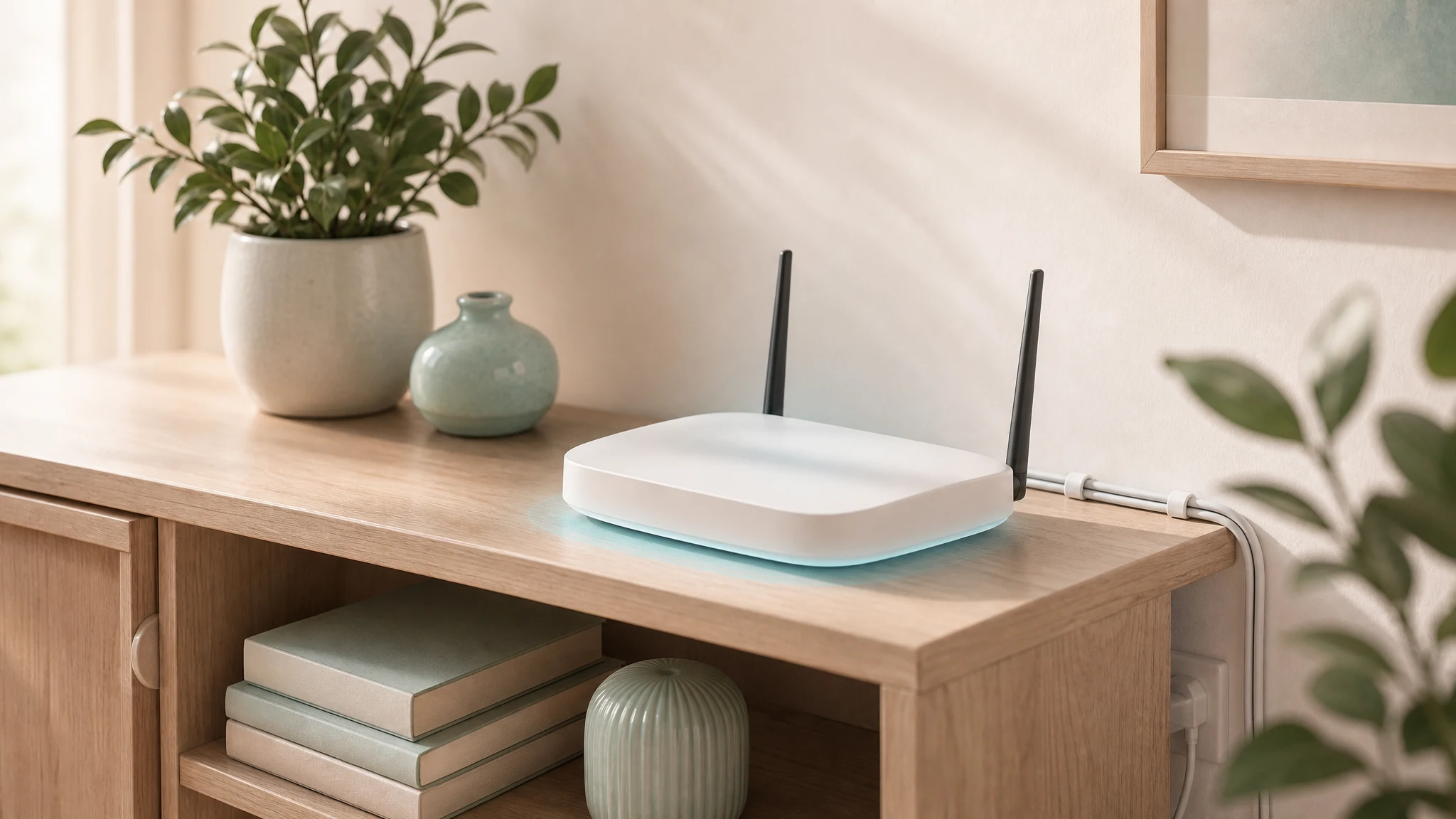
Distance is the first tool.
RF levels usually decrease with distance from the source. That makes placement one of the simplest and least expensive adjustments. A router does not need to sit on a nightstand, under a desk where someone works all day, or directly beside a child’s favorite reading spot if another location can provide good coverage.
A good placement change is also low-maintenance. Once a router, charger, power supply, or cord is moved to a better location, you do not have to think about it every day. The reduction comes from the setup itself, not from remembering to use a special product or follow a complicated routine.
Avoid sleeping areas when possible.
Bedrooms are usually the first place to reconsider router and mesh placement. People spend long, repeated hours in the same position while sleeping, and most homes do not need a router or mesh node transmitting close to a pillow overnight.
If the router must remain near a bedroom because of wiring or provider equipment, options may include relocating the Wi-Fi access point while leaving the modem in place, using Ethernet to move the router, scheduling Wi-Fi off hours, or creating a wired connection for a fixed workstation so the wireless access point can be placed elsewhere.
Think about mesh systems.
Mesh systems can be convenient, but they also add more transmitting nodes. A mesh network is not automatically bad; it simply needs thoughtful placement. Nodes should not be placed beside beds or directly under desks if a hallway, living area, or utility space can provide similar coverage.
More nodes are not always better. Some homes use too many mesh points, which can increase wireless activity without improving performance. It is worth checking whether a smaller number of better-placed nodes works just as well.
Use wired connections where they make sense.
Stationary devices are good wired candidates. Desktop computers, TVs, game consoles, streaming boxes, printers, and media hubs do not usually need wireless flexibility. Ethernet can improve reliability and reduce the number of devices using Wi-Fi at close range.
A realistic plan might keep Wi-Fi for phones and guests while wiring the home office, media center, or other fixed equipment. That is not “going off grid.” It is simply using the most stable connection for devices that do not move.
When hard-wiring is not realistic
If hard-wiring is not practical and turning wireless off would not work for the household, EMF Guru may also recommend signal-tamer cloths as a thoughtful reduction tool. They are not a substitute for good router placement, but they can sometimes help redirect or reduce RF exposure from a router, mesh node, or nearby device when used carefully and checked with measurement.
- Start with placement first: increase distance from beds, desks, sofas, cribs, and other long-use areas before adding any shielding material.
- Use signal-tamer cloths selectively, such as between a router and a sleeping area or work position, without blocking needed ventilation or creating network problems.
- Verify the result with RF measurements when possible, because reflections, walls, router power, and room layout can change how effective any shielding approach is.
A practical placement checklist.
- Keep routers and mesh nodes away from pillows, cribs, and primary work positions when practical.
- Place access points where they serve the home without sitting directly beside high-use seats.
- Use Ethernet for fixed devices that do not need mobility.
- Review whether all mesh nodes are needed.
- Consider a timer or scheduled Wi-Fi setting if nighttime wireless access is not needed.
- Measure if the best placement is not obvious.
Measure if you are unsure.
Router placement can be tested. Measure where people sleep or work, move the router or mesh node, and measure again. If performance drops too much, try a different location or consider wiring one part of the network. The best answer is the one that balances reliable service with reduced unnecessary close-range exposure.
For more wired-technology options, read Why Wired Technology Still Matters in a Wireless World.
Common placement mistakes.
Common mistakes include placing a router on a nightstand, hiding a mesh node under a desk, putting wireless equipment in a nursery because it has an open outlet, or adding extra mesh nodes before checking whether the existing network can be tuned. These choices are understandable, but they can create close-range exposure in the very places people spend the most time.
A better approach is to place wireless equipment high enough for performance, central enough for coverage, and far enough from long-duration body positions when practical. If that balance is difficult, wired backhaul or one wired device may solve more than adding another transmitter.
Router settings can matter too.
Placement is the first step, but settings may also help. Some routers allow scheduled Wi-Fi, separate guest networks, adjustable transmit power, or the ability to disable unused bands. These settings should be changed carefully so the network remains reliable.
If a household depends on Wi-Fi overnight, do not create a plan that breaks necessary communication or safety devices. In that case, better placement and wired connections for fixed devices may be the more realistic path.
Note: EMF Guru provides education and environmental measurement services, not medical diagnosis or treatment. If you have health concerns, work with a qualified healthcare professional. Measurements can help clarify environmental sources and practical exposure-reduction options.