
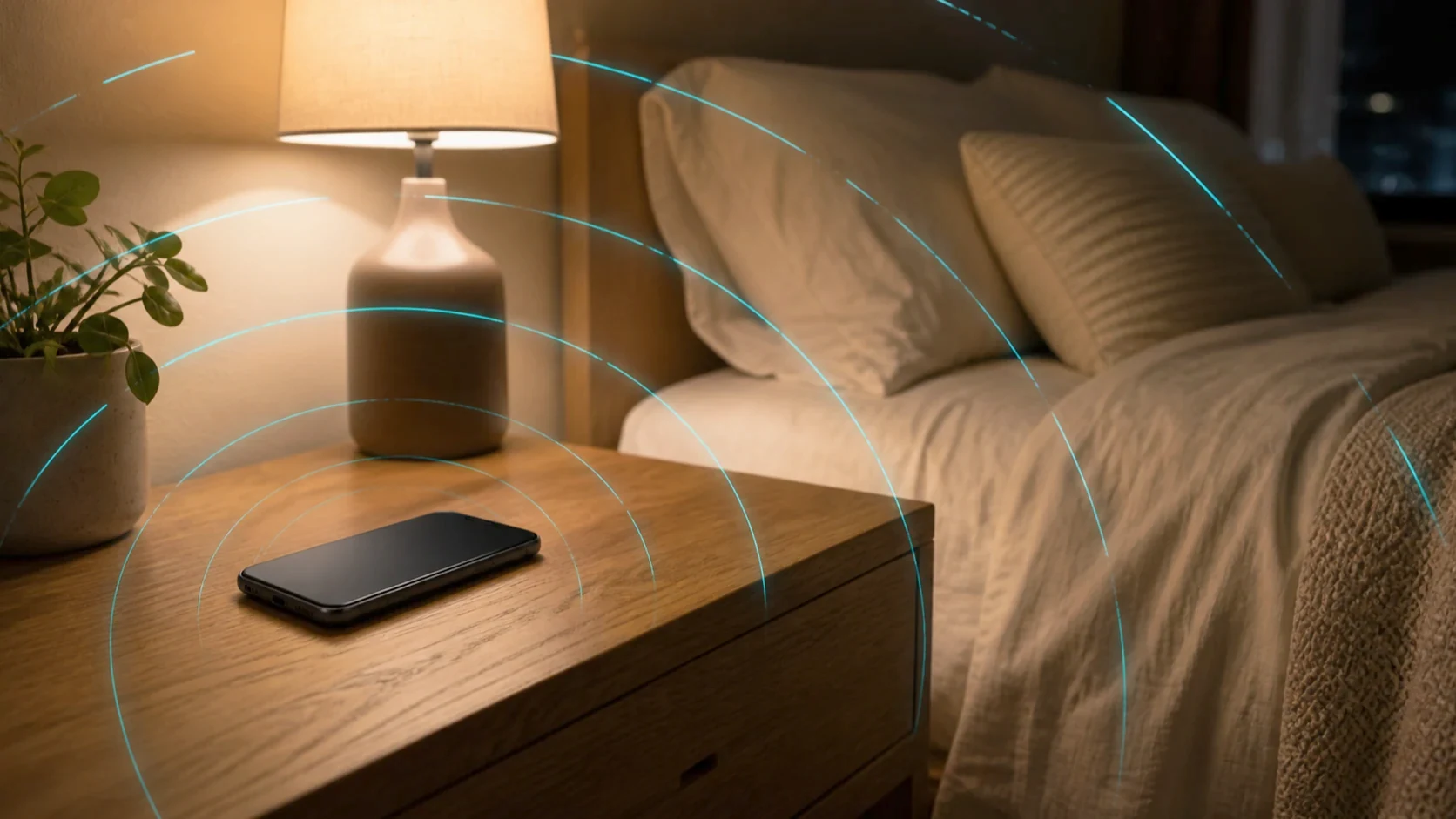
Airplane mode reduces what your own phone transmits beside the bed, and it changes nothing about the room around it. On an iPhone it may also not be switching off everything you assume, because Apple’s current documentation says the toggle leaves Bluetooth running. Android phones add a second complication, because they remember the choice you made last time, so the same tap can leave a different set of radios on from one night to the next. The move is not to trust the icon but to check, once, which radios your own phone turned off. That takes five minutes, and it is the only answer that describes the phone on your nightstand rather than a support document.
What airplane mode actually switches off.
Airplane mode switches off the phone’s own transmitters. It controls what your device sends and nothing about what arrives. A phone powered on but not in use is still working: California Department of Public Health guidance states that “Because your phone’s antenna tries to stay connected with a cell tower whenever it’s on, it emits some RF energy even when you are not using it. It does not emit RF energy when it’s in airplane mode.”
That is the whole mechanism: it removes one source, the one nearest your head. The setting exists for a reason unrelated to health, because 47 CFR 22.925 prohibits operating cellular telephones aboard an airborne aircraft.
Does airplane mode turn off Bluetooth?
Not necessarily, and on a current iPhone the manufacturer says it does not. The two most-cited documents disagree, which is why you check your own phone rather than trust either. Cellular traffic can be off while a second radio remains active beside the bed.
The California Department of Public Health guidance of 12 December 2017 tells readers, in that same bullet, “(Airplane mode turns off cellular, Wi-Fi, and Bluetooth.)” Apple’s support document on Airplane Mode, published 11 February 2026, describes its own devices differently: “This turns off all radios except for Bluetooth.” Apple adds that “If the airline allows it, you can still use Wi-Fi and Bluetooth in Airplane Mode.”
Both quotations are accurate. The CDPH guidance is sound and its distance advice still holds; what changed is device behavior between 2017 and 2026, and the guidance has not been revised. That is a fact about a document’s date, not its competence.
None of this makes Bluetooth the villain. Wall and colleagues measured Bluetooth headset power densities 10 to 400 times lower than the phones they were connected to. The point is narrower: a control you believe is off may be on.
Why the setting drifts without you noticing.
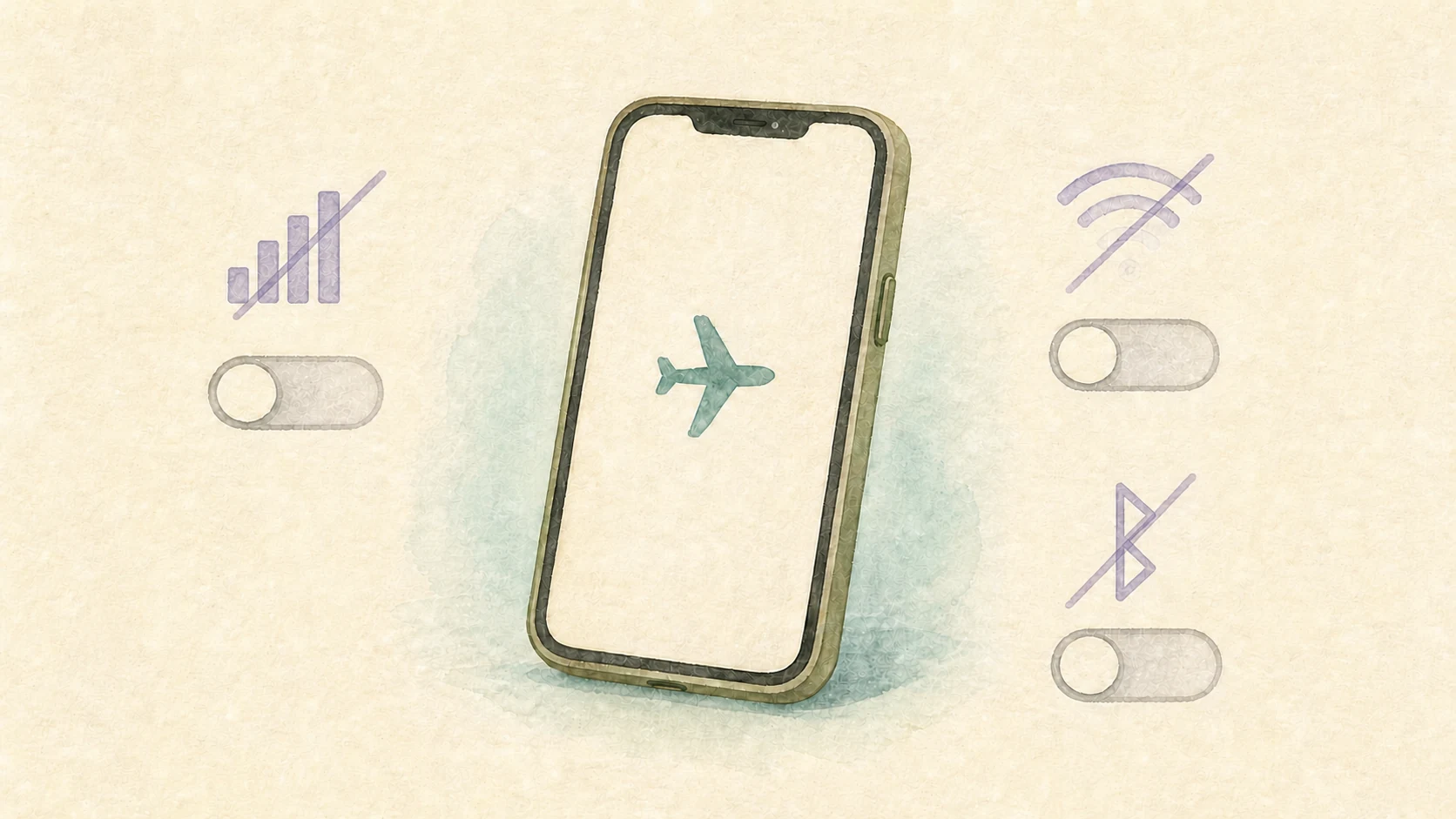
The toggle is also sticky. Google’s Pixel Phone Help documents it plainly: “When you first turn on Airplane mode on your Android phone, Wi-Fi and Bluetooth turn off.” Then, because people wanted earbuds connected in flight, the phone learns from you: “The next time you turn on Airplane mode, your phone will remember your previous setting.”
Apple documents the same class of behavior for Bluetooth. A routine verified once can quietly stop doing what it did, with no visible change on screen.
What airplane mode does not change.
Airplane mode changes the phone and nothing else in the room. The Wi-Fi router keeps transmitting, a neighbor’s router keeps transmitting through the wall, the towers outside keep transmitting, and a smart meter keeps doing whatever it was doing. Wiring behind the bed is a different field type.
California’s 2017 guidance separately lists cell phone towers, TV and radio transmitters, and smart meters as other RF sources, all separate from the phone’s airplane-mode control.
If the phone was the dominant source near the head of your bed, airplane mode addresses it. If the room was, the setting will not move the reading and the fix is elsewhere. Our note on where to put a Wi-Fi router covers the most common room-side source, and why the bedroom is the first place to check covers auditing the sleep area as a whole.
Why a bedside phone matters more than its SAR number.
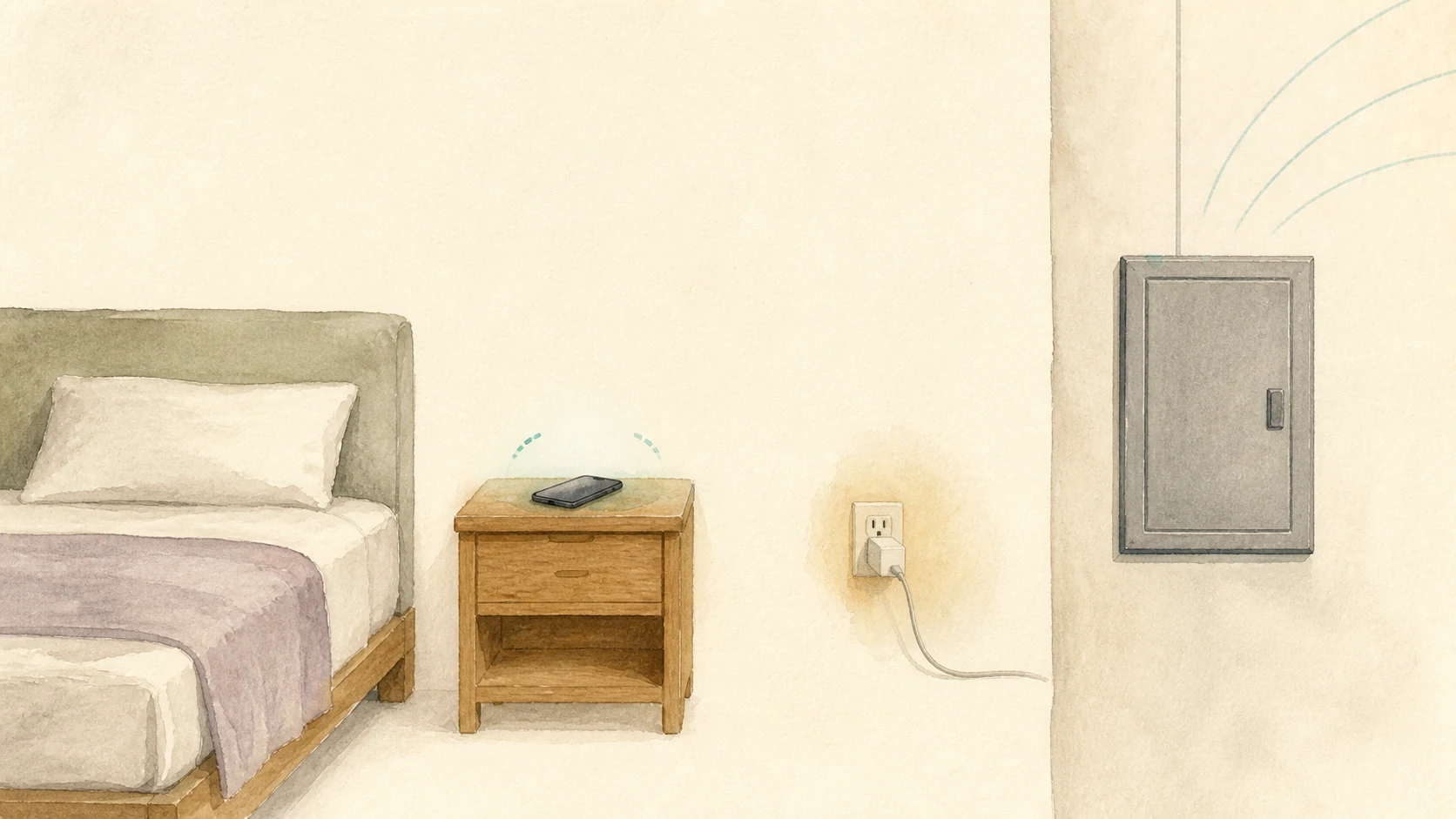
A phone beside your head matters because of proximity, not its rating. Under 47 CFR 1.1310(c), the FCC’s general population limit is “a peak spatial-average SAR of 1.6 W/kg, averaged over any 1 gram of tissue”. That figure comes from fixed laboratory test conditions, and the same section states that “Exposure may be averaged over a time period not to exceed 30 minutes to determine compliance with general population/uncontrolled SAR limits.”
That certification result is not a picture of 3am, and FCC evaluation of portable devices uses maximum time-averaged power rather than the power drawn on a quiet night. Distance is the variable you control, which is why the CDPH guidance is blunt: “Don’t sleep with your phone in your bed or near your head.” Compliance answers one question and practical exposure reduction answers another, and our note on FCC limits versus precautionary guidelines covers why.
Weak signal raises how hard your phone transmits.
How hard a phone works is not fixed. The CDPH guidance states that “Cell phones put out more RF energy to connect with cell towers when the signal is weak.” One or two bars on the nightstand is a different situation from full bars.
The measured version comes from Wall and colleagues, whose 2019 study in Environmental Research reported RF exposure greater under weak reception than under strong by up to four orders of magnitude, in an investigation of second-generation (2G) technology. Modern 4G and 5G handsets use different power control, so that figure describes the generation studied and is not carried across to current handsets.
How to check your own phone in five minutes.
This is EMF Guru’s own practitioner procedure, not guidance from CDPH, the FCC, or any agency. It answers what the documents cannot answer for your specific handset.
- Turn airplane mode on and leave the control panel open.
- Look at the Bluetooth control, not the airplane icon. If it is still lit, the mode did not turn it off, which is what Apple documents for iPhone.
- Look at the Wi-Fi control the same way. On Android it may be on because the phone remembered your last choice.
- Switch off whichever is still on, then reopen the panel to confirm. Confirmation is the step people skip.
- Repeat after an operating-system update, a new phone, or any night you reconnected something.
If you must stay reachable, keep only the radio you need and move the phone and charger off the nightstand. To see the change rather than infer it, hold a broadband RF meter at your usual head position on the bed before and after the toggle. Our note on which EMF meter to start with covers what a first meter can resolve.
Want help checking your sleep area?
A measured check earns its place when the settings screen stops answering the question. Consider one if:
- You have used airplane mode for months and never confirmed which radios it switched off.
- You found Bluetooth or Wi-Fi still on after the toggle and want to know whether it changed RF readings near your head while you slept.
- You need one radio on overnight and want to see what it costs at the head of the bed.
- You changed the setting and nothing else changed, which points at the room rather than the device.
- You have a bed that shares a wall with the router, the meter, or the electrical panel.
EMF Guru provides measurement-first consultations for bedroom and sleep-area exposure in the greater Portland area. For this question we measure the sleep area with the phone as you leave it, then again with its transmitters confirmed off, so the difference is a reading rather than an assumption. A consultation is environmental education and planning, not medical diagnosis or treatment. If wiring rather than wireless is the open question, start with how far your bed should be from an electrical panel, or schedule an EMF consultation.
Frequently asked questions about airplane mode overnight.
Does airplane mode turn off Bluetooth on an iPhone?
Apple’s support document of 11 February 2026 states that the setting “turns off all radios except for Bluetooth”. California Department of Public Health guidance from 2017 says the mode turns off all three radios. Check the Bluetooth control on your own phone rather than relying on either statement.
Why can airplane mode work differently from one night to the next?
Google says Android turns Wi-Fi and Bluetooth off the first time, then remembers the previous setting. Apple documents that Bluetooth can remain active in airplane mode. The same airplane icon can therefore represent different radio states. Recheck cellular, Wi-Fi, and Bluetooth whenever your overnight routine changes.
Is airplane mode the same as turning the phone off?
No. Powering the phone off stops its wireless activity and its local functions too, including the alarm. Airplane mode with cellular, Wi-Fi and Bluetooth confirmed off stops the transmitters while keeping the clock available, which is why it is the practical option overnight.
Does airplane mode do anything about the Wi-Fi router?
No. Airplane mode changes only the transmitters in the phone. Your Wi-Fi router, a neighbor’s router, cellular towers, smart meters, and wiring remain unchanged. If the room is the main RF source at your sleeping position, the phone setting may not change a meter reading.
Sources referenced in this post.
- California Department of Public Health, How to Reduce Exposure to Radiofrequency Energy from Cell Phones, 12 December 2017.
- Apple Support, Use Airplane Mode, 11 February 2026.
- Google Pixel Phone Help, Keep your Android’s wireless connections on in Airplane mode, accessed 21 August 2026.
- Wall S, Wang ZM, Kendig T, Dobraca D, Lipsett M. Real-world cell phone radiofrequency electromagnetic field exposures. Environmental Research 171 (2019) 581-592. PMID 30448205.
- 47 CFR 1.1310 and 47 CFR 22.925, eCFR snapshot 1 August 2026.